Phone Photography for Manipur Community Events
By Ningthoujam Priya · Published · 4 min read
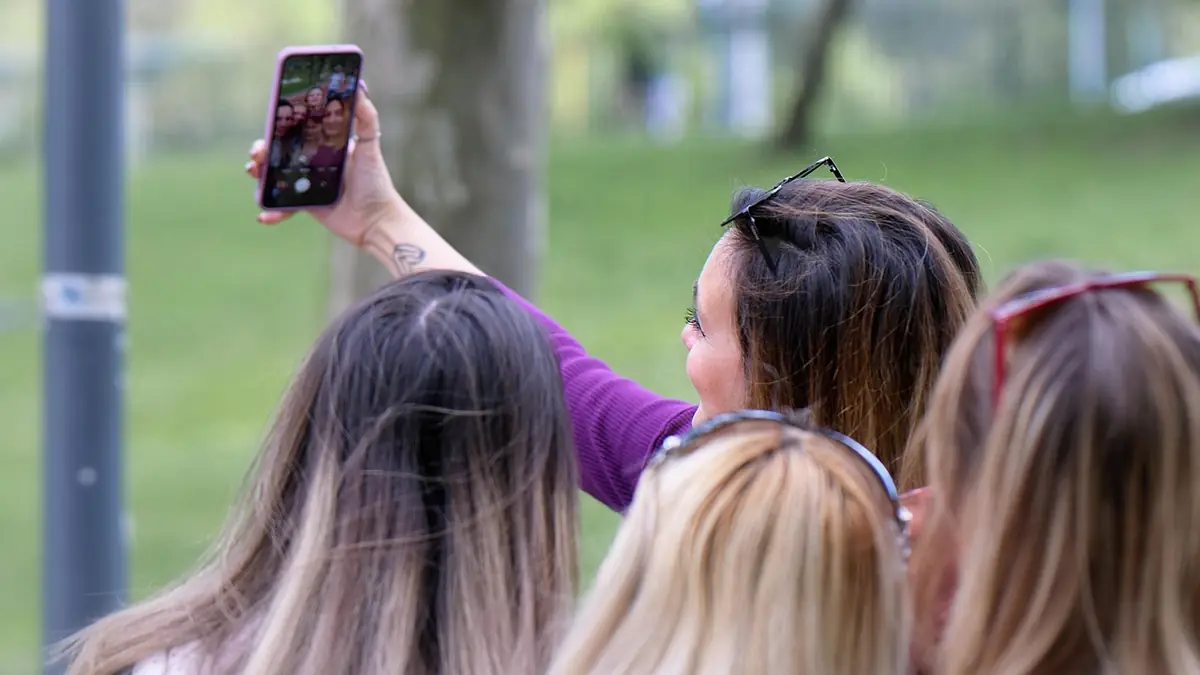
Every community gathering in Manipur, whether a church harvest feast in Churachandpur, a school function in Bishnupur or a market-day meetup in Imphal, ends with the same request: send the photos to the group. Most of those photos come from one volunteer with a mid-range Android phone and no training. The good news is that event photography rewards preparation and positioning far more than expensive gear.
This guide covers what actually changes the look of your photos: how you read light, where you stand, when you press the shutter, and how you hand off a clean set of images to the organisers. It assumes you shoot on a phone you already own, with no add-on lenses and no editing software beyond what came installed.
Work With the Light You Have
Manipur event light is mostly indirect and often flat, which is kind to faces but dull for wide shots. Outdoors, aim to shoot before 10am or after 3pm; midday sun sits high and drops hard shadows under eyes and noses. If you must shoot at noon, move people into open shade under a tree or a porch overhang rather than direct sun, and turn off the phone's flash, which flattens faces and creates shiny patches on foreheads.
Indoors is where phones struggle. Community halls and church buildings typically give you mixed light: tube lights overhead, daylight from windows, and sometimes a stage spotlight. Pick one source and position yourself so it lights the subject from the side or front. Tap the screen on a face to lock focus and exposure, then drag the brightness slider down slightly; phone cameras overexpose skin tones by default, and pulling exposure back recovers detail in white shirts and shawls.
- Shoot outdoors before 10am or after 3pm
- Use open shade at midday, never direct overhead sun
- Tap to lock focus on a face, then lower exposure slightly
- Keep the flash off indoors; move closer instead
Framing That Reads at a Glance
Event photos are read on small screens, usually in a WhatsApp group, so simplicity wins. Get close enough that the subject fills a third to half the frame. A common mistake is standing at the back of the hall and zooming; digital zoom on most phones degrades the image badly beyond about 2x. Walk forward instead, politely, and shoot from the side aisles where you won't block sightlines.
Hold the phone in landscape for groups and stages, portrait for single speakers and portraits. Keep the horizon level; a tilted stage looks careless. For group photos, arrange people in two staggered rows rather than one long line, put the tallest at the back, and shoot from slightly above eye level. Leave a little space at the top and sides so the image can be cropped for a poster or a listing later without cutting heads.
| Situation | Recommended approach | Avoid | Why it matters |
|---|---|---|---|
| Outdoor midday | Open shade, flash off | Direct overhead sun | Hard shadows under eyes |
| Indoor hall | Lock focus on face, lower exposure | On-camera flash | Overexposed skin and shiny faces |
| Stage or speaker | Shoot from side aisle at 1-2x | Digital zoom beyond 2x | Zoom softens detail badly |
| Group photo | Two staggered rows, slight high angle | One long straight line | Back rows stay visible |
| Action moment | Short burst, keep sharpest frame | Single rushed shot | Blur and closed eyes |
| Sharing | Cloud album, 40-80 culled images | Sending every frame to chat | Organisers stop looking |
Timing: The Three Moments Worth Waiting For
You do not need hundreds of frames; you need the right three or four. First, the arrival and setup: people greeting each other, volunteers arranging chairs, food being laid out. These photos carry the most warmth and are the ones organisers rarely get. Second, the main moment, whether that is a ribbon cutting, a song, a speech or a prize being handed over. Position yourself early and stay put rather than moving during it.
Third, the candid in-between: someone laughing at a joke, an elder explaining something to a child, hands passing a plate. These are the images that make a listing or a recap feel human. Shoot in short bursts during action, then review and keep the sharpest frame. On most phones, a long-press on the shutter fires a burst; delete the rest the same evening while you still remember what mattered.
Settings and Habits That Save the Day
Turn on gridlines in the camera settings; they help you keep verticals straight and place faces off-centre. Clean the lens with a soft cloth before you start, because a smudge on a phone lens produces a haze that looks like bad lighting and cannot be fixed later. Disable live-photo or motion-photo modes for events unless you specifically want them, since they double storage use.
Storage and battery are the real limits. An hour of photos and short clips can take 1 to 2 GB, so clear space beforehand and carry a small power bank, roughly 10,000mAh, which is enough for two full phone charges. Shoot stills rather than video unless asked; a dozen good stills are more useful than ten minutes of shaky footage. Avoid pinch-zooming during speeches and never photograph anyone who signals they don't want it.
- Enable gridlines and clean the lens first
- Clear 2-3 GB of storage before the event
- Carry a 10,000mAh power bank
- Shoot bursts for action, keep the sharpest frame
- Ask before photographing close-up portraits
Organising and Sharing the Set
The volunteer's job ends when the photos reach the people who need them, not when the shutter stops. Same evening, delete blurry frames and duplicates so you hand over 40 to 80 usable images, not 400. Sort them into three folders: wide and venue shots, main-moment shots, and candids. Rename the folder with the event name and date so it is findable months later.
Share through a cloud folder or a compressed album rather than sending full-resolution files one by one into a chat. If organisers need images for a public listing or a poster, send the three or four strongest frames at full size and the rest compressed. Keep a copy for yourself; community archives often lose their photos when a single phone is replaced. If the event is being publicised, coordinate with whoever writes the listing so the photos match the description.
- Cull to 40-80 usable images the same day
- Sort into venue, main moment, and candid folders
- Share a link or album, not dozens of individual files
- Send 3-4 hero images at full resolution
- Position and light matter far more than the phone model you carry.
- Lock focus and lower exposure slightly for better skin tones indoors.
- Aim for three moments: arrival, main event, candid in-between.
- Cull and share 40-80 usable photos the same evening.
Priya has spent years helping neighbourhood groups organise events and keep local business information accurate. She focuses on practical checklists and plain-language guides for first-time organisers. Her writing aims to make community publishing feel manageable for volunteers.